In the modern workplace, communication is the backbone of every successful team. Whether your team is working remotely, hybrid, or in-office, the way you connect, share ideas, and stay aligned directly impacts your performance. Gone are the days of endless email threads and missed updates—today’s professional communication tools are smarter, faster, and designed to keep everyone on the same page.
Let’s explore some of the best professional tools that can revolutionize internal communication within your team.
💬 1. Instant Messaging Platforms: Real-Time Collaboration
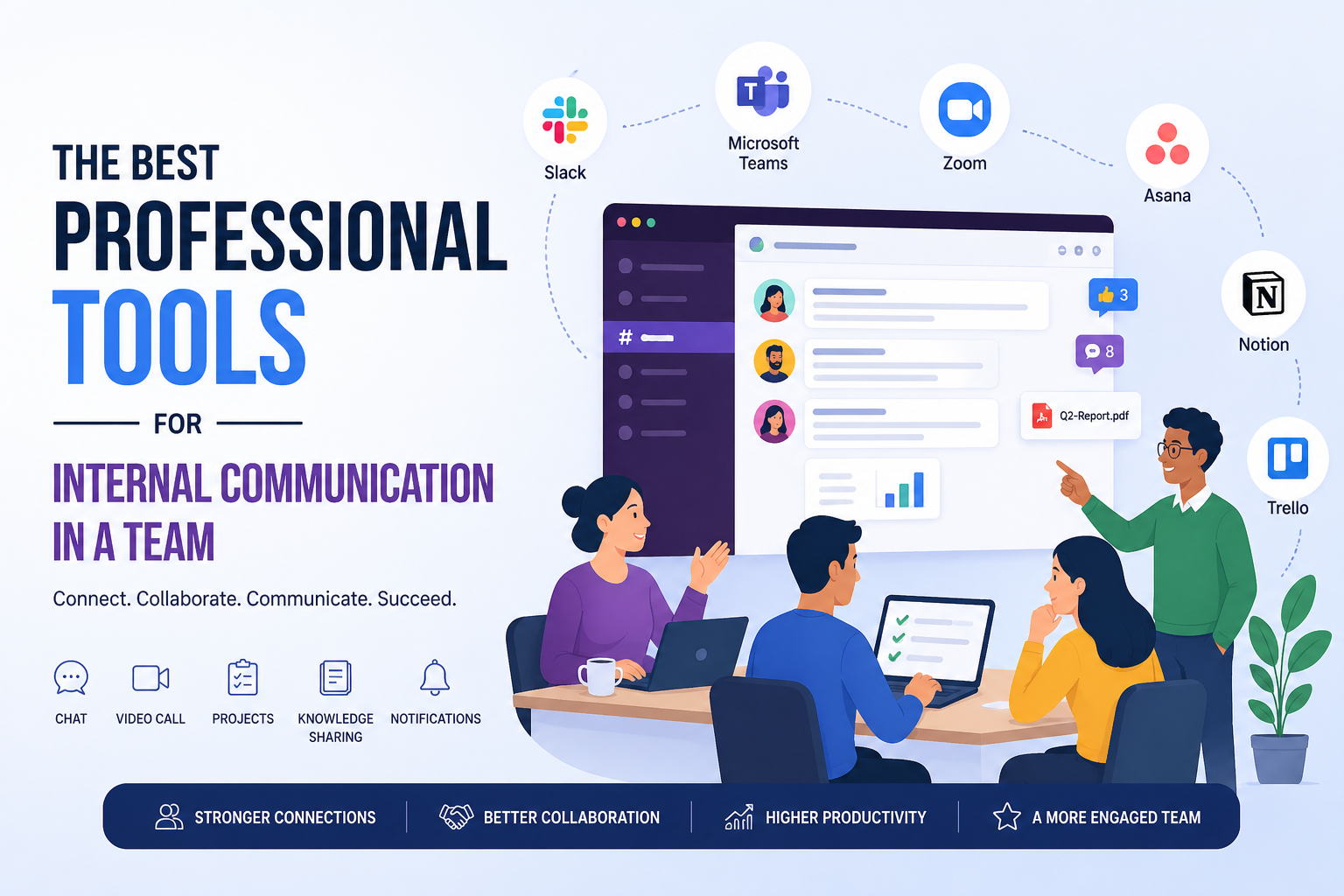
Tools like Slack and Microsoft Teams have become essential in modern workplaces. They allow team members to communicate instantly through channels, direct messages, and group chats.
Instead of cluttering inboxes, conversations are organized by topics or projects. You can share files, integrate apps, and even automate workflows—all within one platform. This ensures that communication is not only fast but also structured and easy to track.
📹 2. Video Conferencing Tools: Face-to-Face, Anywhere
When text isn’t enough, video calls bridge the gap. Platforms like Zoom and Google Meet enable teams to hold virtual meetings, brainstorming sessions, and one-on-one discussions.
These tools help maintain a human connection, which is especially important for remote teams. Features like screen sharing, recording, and live chat make collaboration more interactive and effective.
📂 3. Project Management Tools: Communication with Context
Communication becomes far more powerful when it’s tied to tasks and goals. Tools like Trello, Asana, and ClickUp allow teams to manage projects while communicating within the same environment.
Team members can comment on tasks, share updates, assign responsibilities, and track progress—all in one place. This reduces confusion and ensures everyone knows what needs to be done and by whom.
🧠 4. Knowledge Sharing Platforms: Build a Team Brain
Internal communication isn’t just about conversations—it’s also about information. Tools like Notion and Confluence help teams create, organize, and share knowledge.
From onboarding guides to project documentation, everything is stored in a centralized hub. This reduces repetitive questions and empowers team members to find answers independently.
🔔 5. Notification & Feedback Tools: Stay Updated Without Overload
Staying informed without feeling overwhelmed is key. Tools like Slack notifications, Microsoft Teams alerts, or even dedicated feedback tools help teams stay updated in real-time.
You can customize notifications, set priorities, and ensure that important updates never get lost in the noise.
🌍 6. All-in-One Platforms: The Future of Team Communication
Some tools combine messaging, video calls, file sharing, and project management into one unified system. Platforms like Microsoft Teams or ClickUp are evolving into complete digital workspaces.
These all-in-one solutions reduce the need for multiple apps and create a more cohesive communication experience.
🎯 Final Thoughts
The right communication tool doesn’t just help your team talk—it helps them collaborate, innovate, and succeed together. The key is to choose tools that fit your team’s workflow, size, and goals.
Remember, effective communication isn’t about using more tools—it’s about using the right ones in the right way.
When your team communicates better, everything else falls into place.